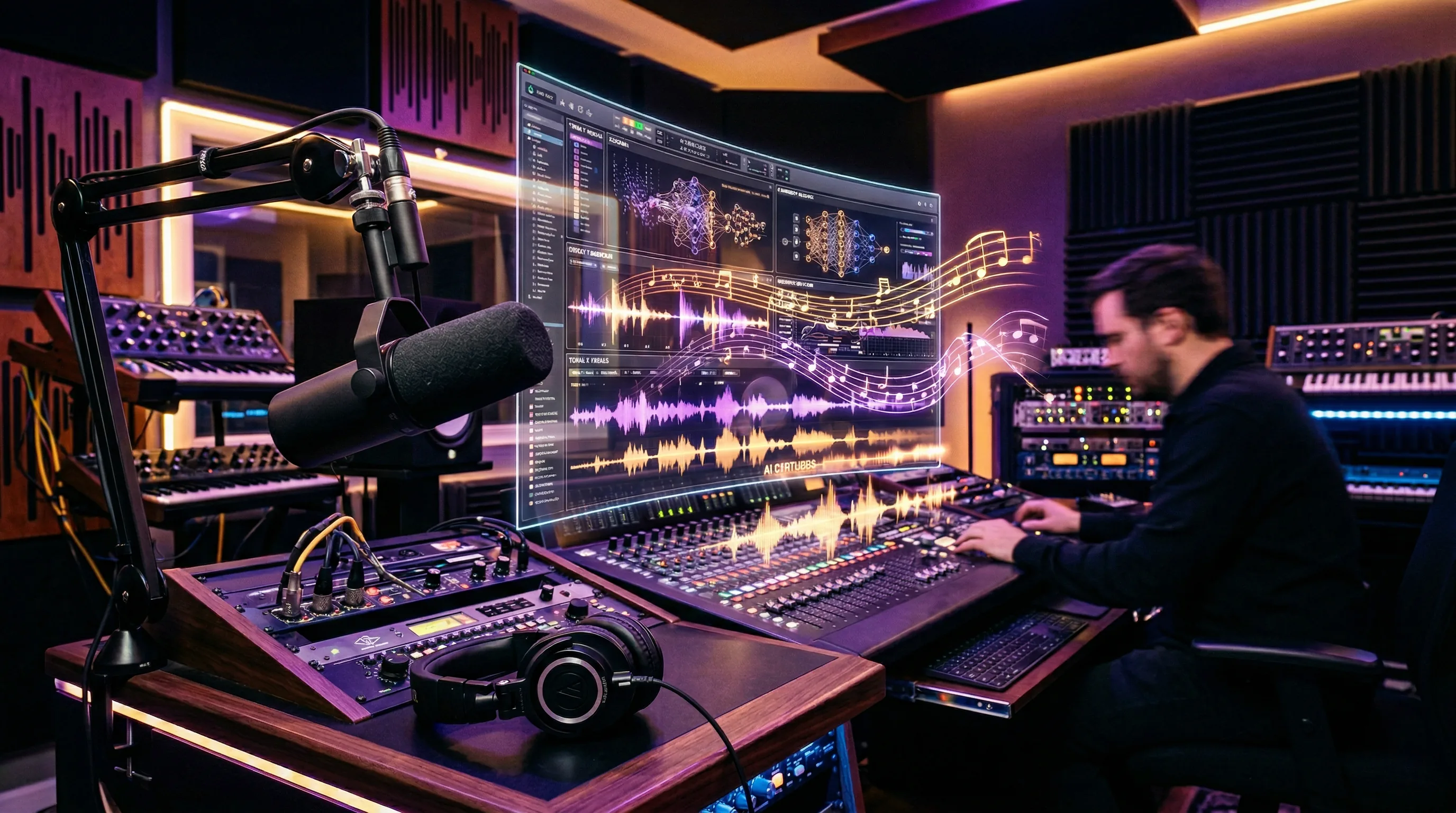
AI Audio Content Creation: Voice Synthesis, Music, and Sound Design in 2026
AI audio content creation has quietly become one of the most practical and production-ready applications of AI technology.

The Artifio editorial team publishes research, tutorials, and release notes covering image, video, and audio generation models. All posts are reviewed by an editor before publishing.
AI audio content creation has quietly become one of the most practical and production-ready applications of AI technology. Voice cloning that's indistinguishable from human speech, music composition for any genre or mood, sound effects on demand, and complete podcast production workflows — all of this is viable today. If you're still recording every voiceover manually or licensing stock music for every project, AI audio can save you significant time and money without sacrificing quality.
This guide covers the three pillars of AI audio: voice synthesis, music generation, and how to build them into a complete audio production workflow.
AI Voice Synthesis: Creating Natural-Sounding Speech
Voice synthesis has crossed the quality threshold where most listeners can't distinguish AI-generated speech from human recording. That changes everything for content creators.
Text-to-Speech Quality in 2026
Modern AI text-to-speech is not the robotic voice of old GPS systems. Today's models produce speech with natural intonation, appropriate emphasis, realistic breathing patterns, and emotional variation. For narration, educational content, and informational voiceovers, the quality is genuinely production-ready.
Where AI voice still falls short: highly emotional performances, comedic timing, and the subtle vocal nuances that a skilled voice actor brings to character work. For straightforward narration and explanation, AI is excellent. For dramatic performance, humans still have a clear advantage.
Quality standards for professional audio are established by organizations like the Audio Engineering Society, and modern AI voice output increasingly meets these benchmarks for broadcast and commercial use.
Voice Cloning and Custom Voices
Voice cloning lets you create a custom AI voice from a short sample of real speech — often just a few minutes of audio. Use cases include:
- Personal brand voice: Clone your own voice so AI can produce content in your speaking style
- Consistent narrator: Create a brand narrator voice that sounds identical across hundreds of pieces
- Localization: Generate the same narration in multiple languages while maintaining consistent voice characteristics
- Accessibility: Create audio versions of written content without recording sessions
Important ethical consideration: only clone voices with explicit permission from the voice owner. Many platforms require verification to prevent misuse.
Emotional Range and Expression Control
The best AI voice models offer control over emotional tone, pacing, and emphasis:
- SSML tags: Speech Synthesis Markup Language lets you control pauses, emphasis, speed, and pitch within a script
- Emotion presets: Some models offer settings like "excited," "calm," "concerned," or "authoritative"
- Script formatting: How you write the script affects delivery. Short sentences produce punchy delivery. Long sentences with commas produce flowing narration. Questions produce upward intonation.
Pro tip: write your scripts conversationally. AI reads what you write. If your script reads like a formal essay, the voice output will sound like someone reading a formal essay. Write how you want it to sound.
AI Music Generation for Content Creators
AI music generation has reached the point where it produces genuinely usable background music, intro themes, and soundtrack elements for content creators who aren't musicians.
Background Music and Soundtracks
The most common and practical use case: background music for videos, podcasts, and presentations. AI generates custom music that fits your content's mood and tempo perfectly — no more scrolling through thousands of stock music tracks hoping to find something that sort of works.
Effective music prompts describe:
- Genre: "Ambient electronic," "acoustic folk," "corporate pop," "lo-fi hip-hop"
- Mood: "Uplifting and energetic," "calm and contemplative," "tense and dramatic"
- Tempo: "Slow 80 BPM," "moderate walking pace," "high energy 140 BPM"
- Instrumentation: "Piano and strings," "synthesizers only," "acoustic guitar and light percussion"
- Duration: "30-second intro," "3-minute background loop," "15-second transition sting"
Genre-Specific Generation
AI music models handle some genres better than others. Simple, repetitive genres (lo-fi, ambient, electronic) produce consistently good results. Complex genres with intricate arrangements (jazz, classical orchestral, progressive rock) are more hit-or-miss.
For best results, generate in the genre that matches your needs and evaluate critically. Generate 3-5 options and pick the best. The time investment is minimal compared to searching through stock music libraries.
Licensing and Usage Rights
Most AI music platforms grant commercial usage rights for generated music, but terms vary. Key questions to check before using AI music commercially:
- Does the platform grant commercial usage rights by default?
- Are there attribution requirements?
- Can you use the music in monetized content (YouTube, paid courses)?
- Are there restrictions on platforms where you can use the music?
Always read the specific terms of service. The landscape is changing, and different platforms have different policies.
Building an AI Audio Workflow
The real power of AI audio emerges when you combine voice, music, and sound into an integrated production pipeline.
Voice + Video Integration
Sync AI-generated narration with AI or traditionally shot video for complete content production. The workflow:
- Write your script (or use AI to draft it)
- Generate voice narration using your preferred AI voice model
- Generate or source video content that matches the narration
- Sync voice and video in your editing software
- Add music and sound effects as a final layer
This workflow can produce a complete video from concept to final cut without a recording studio, camera crew, or voiceover artist.
Music + Narration Layering
Professional audio content layers multiple elements: narration in the foreground, music in the background, and sound effects for emphasis. AI can generate all three:
- Generate narration at optimal volume and clarity
- Generate background music at a lower energy level that doesn't compete with voice
- Use AI sound effects for transitions, emphasis, and atmosphere
Layer these in your audio editor, adjusting levels so narration sits clearly above the music. Standard mixing principles apply: narration at -6 to -3 dB, music at -18 to -12 dB, effects as accents.
Artifio brings together audio, voice, and video AI models in one platform — create a complete audio-visual production pipeline without switching between tools. Having access to multiple voice, music, and video models from a single dashboard streamlines what would otherwise require subscriptions to half a dozen different services.
Quality Control and Post-Production
AI audio output benefits from light post-production, just like AI text benefits from editing:
- EQ: Adjust frequency balance, especially cutting low-end rumble from AI voice output
- Compression: Even out volume dynamics for consistent listening experience
- Noise reduction: Some AI voice models produce subtle artifacts that noise reduction cleans up
- Normalization: Make sure consistent volume across all audio elements
- De-essing: AI voice can sometimes over-pronounce sibilant sounds (S, SH)
These adjustments take 5-10 minutes per piece and significantly improve perceived quality. Free audio editing tools can handle all of these tasks effectively.
For video-specific guidance, see our AI avatar creation guide. For the complete picture of AI visual content, our AI image generation guide covers the still-image foundation.
Common AI Audio Pitfalls and How to Avoid Them
AI audio quality has improved dramatically, but several common mistakes can undermine your results.
The Uncanny Valley of AI Voice
Some AI voices sound almost-but-not-quite human, which can be more unsettling than an obviously synthetic voice. If a voice is 95% natural but has subtle artifacts — an unnatural pause, a slightly mechanical vowel — listeners notice subconsciously and trust decreases.
The fix: test your AI voice with people who don't know it's AI. If they notice something "off" within the first 30 seconds, try a different voice model. The best AI voices pass this blind test completely — listeners simply assume it's a human recording.
Script-Voice Mismatch
A formal script read by a casual AI voice (or vice versa) creates dissonance. Match your writing style to your chosen voice model's strengths. If your voice model sounds like a warm, conversational narrator, write warm, conversational scripts. If it sounds like a news anchor, write accordingly.
Test 3-4 voice models with the same script sample before choosing. The same script can sound professional, warm, authoritative, or casual depending on the voice model — and that match between content and delivery is what makes audio content engaging.
Ignoring Post-Production
Raw AI audio output is significantly improved by even basic post-production. A simple chain of noise reduction, light compression, and EQ adjustment takes 2-3 minutes per clip and produces noticeably more professional-sounding results. Skipping post-production is like publishing an unedited AI text draft — it works, but it's not your best work.
Frequently Asked Questions
Can AI generate realistic human voices?
Yes. Modern AI voice synthesis produces speech that's often indistinguishable from human recording. You can control accent, pace, emotion, and style. Some platforms allow voice cloning from short audio samples.
Is AI-generated music royalty-free?
Most AI music platforms grant commercial usage rights for generated music. However, terms vary by platform. Always check the specific licensing agreement before using AI music in commercial projects.
What's the best AI tool for voiceover?
Quality varies significantly between TTS models. Some excel at narration, others at conversational speech. Test multiple models with your specific script to find the most natural result. Multi-model platforms simplify this comparison.
Can AI create podcast episodes?
AI can generate narration, intro/outro music, and sound effects — covering most of a podcast's audio needs. The content strategy and personality still come from you. AI handles production; humans handle creativity.
How do I make AI voice sound more natural?
Use SSML tags or equivalent controls to adjust pace, pauses, and emphasis. Write scripts conversationally — AI reads what you write, so conversational writing produces conversational speech. Test multiple voice models for the most natural fit.
Create professional audio with AI — voices, music, and sound effects in one platform. Explore Artifio's audio AI models today.