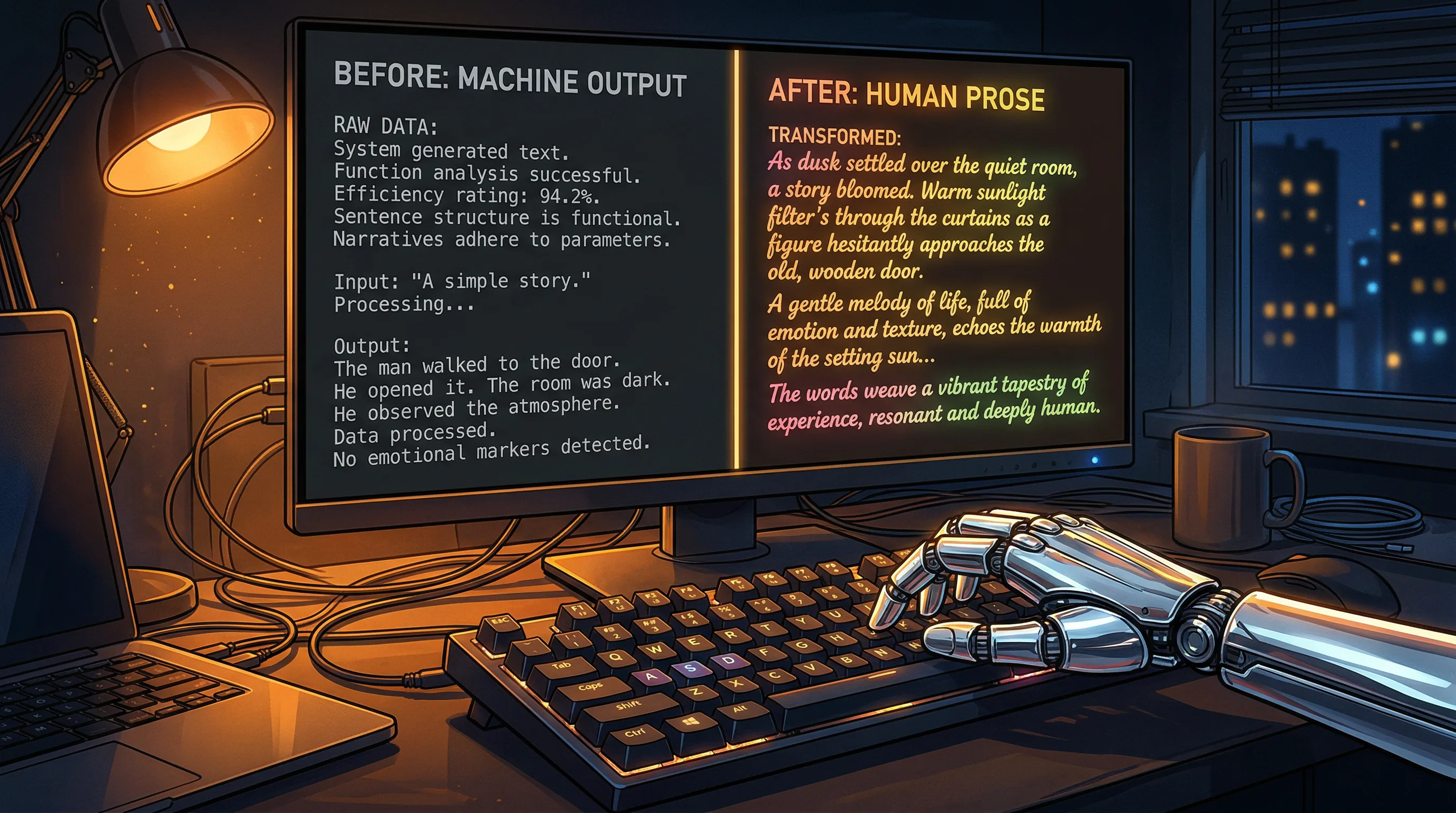
9 Proven Techniques to Fix Robotic AI Tone and Make Your Content Sound Human
Fixing robotic AI tone comes down to nine specific techniques that transform stiff, corporate-sounding output into writing that reads like a real person wrote it.

The Artifio editorial team publishes research, tutorials, and release notes covering image, video, and audio generation models. All posts are reviewed by an editor before publishing.
Fixing robotic AI tone comes down to nine specific techniques that transform stiff, corporate-sounding output into writing that reads like a real person wrote it. If your AI content sounds like a corporate press release written by a committee — stiff phrases, mechanical transitions, every paragraph starting the same way — this guide gives you the exact fixes you need.
The good news: robotic tone is a solvable problem. You don't need a different AI tool. You need a different approach to prompting and editing. These nine techniques are ordered from quickest wins to most advanced methods.
Why AI Writing Defaults to Robotic Tone
Before fixing the problem, it helps to understand why it happens. AI doesn't choose to sound robotic. It's a predictable outcome of how language models are built.
How Language Models Learn to Play It Safe
Language models are trained to be helpful, harmless, and accurate. This training process rewards safe, neutral, uncontroversial output. The result is writing that's technically competent but personality-free — like a Wikipedia article that never takes a stance.
When you prompt without specific voice direction, the model defaults to its safest, most average phrasing. It's the linguistic equivalent of beige paint. According to Stanford NLP research on language model behavior, this tendency toward "safe" output is deeply embedded in how models are fine-tuned for general use.
The Training Data Problem
AI models learn from massive text datasets that overrepresent formal, corporate, and academic writing. News articles, Wikipedia entries, corporate reports, and academic papers dominate the training mix. Casual, conversational, personality-rich writing is underrepresented.
So when you ask for "natural" writing, you get the model's version of natural — which is still more formal than how most humans actually communicate.
Technique 1: Feed It Your Voice
The single most effective fix. Instead of describing the tone you want, show the AI what it sounds like.
Paste 500+ words of your best writing directly into the prompt. Then add: "Match the tone, rhythm, and vocabulary of this sample. Use the same sentence length patterns and level of formality."
Explicit instructions beat vague descriptions every time. "Conversational and slightly irreverent" is better than "write naturally." But an actual writing sample outperforms both.
For a complete framework on building voice guidelines for AI, see our brand voice guide for AI writing.
Technique 2: Use Specific, Concrete Details
Vague writing sounds like AI. Specific writing sounds human. Compare:
- Robotic: "Many businesses struggle with content marketing challenges."
- Human: "A 12-person marketing team in Austin was publishing three blog posts a week and getting zero organic traffic."
Specificity creates authenticity. When your content includes real numbers, named examples, and concrete scenarios, readers trust it more — and it stops reading like machine-generated filler.
In your prompts, add: "Include specific examples with numbers, company sizes, and measurable outcomes. Never use phrases like 'many businesses' or 'in various industries.'"
Technique 3: Break the Pattern
AI writes in predictable patterns. Every paragraph has a topic sentence, three supporting sentences, and a transition. Every sentence is 15-20 words. Every section follows the same rhythm.
Break it.
Mix five-word punches with thirty-word explanations. Start sentences with "And" or "But." Use one-sentence paragraphs for emphasis. Ask a question and then answer it. Make the reader's brain work a little harder to predict what comes next — that's what engagement feels like.
Add to your prompt: "Vary sentence length dramatically — mix sentences of 5-8 words with sentences of 25-30 words. Never start two consecutive paragraphs the same way."
Technique 4: Add Imperfection Intentionally
Perfect grammar signals "machine." Strategic imperfection signals "human."
This doesn't mean adding typos. It means using the small linguistic quirks that humans naturally employ:
- Parenthetical asides (like this one — they feel conversational)
- Rhetorical questions that make readers pause and think
- Mild self-deprecation: "This took us embarrassingly long to figure out"
- Sentence fragments for emphasis. Works every time.
- Em dashes — instead of perfectly constructed subordinate clauses
AI avoids all of these by default. Add them in your prompt instructions or during editing.
Technique 5: Choose the Right Model
Not all AI models sound the same. Some are naturally more conversational, more creative, or more opinionated. Using a model trained primarily on formal text for a casual blog post is setting yourself up for robotic output.
Creative writing models outperform general-purpose models for tone. Models with larger training datasets that include social media, blogs, and informal writing tend to produce more natural-sounding output.
Artifio's multi-model dashboard lets you run the same prompt through different models instantly — find the one that matches your voice without separate subscriptions. The difference between models can be dramatic: the same prompt might produce stiff corporate prose from one model and engaging conversational copy from another.
Techniques 6-9: Advanced Tone Fixes
These four techniques require more effort but produce the biggest quality jumps for experienced users.
Technique 6: The Two-Step Rewrite Method
Generate your first draft with AI. Then use a second prompt: "Rewrite this in the style of [specific writer or publication]. Make it sharper, funnier, and cut the word count by 20%."
The two-step method works because the first draft establishes structure and content, while the second pass focuses entirely on voice. It's easier for AI to rewrite with personality than to generate personality-rich content from scratch.
Technique 7: Inject Opinion and Perspective
AI defaults to neutral. Neutral reads as empty. Fix this by explicitly requesting opinions: "Take a strong stance on this topic. What's the contrarian view? What do most people get wrong?"
Even better: add your own opinions during editing. "Most marketers think X, but after running this for two years, I'm convinced Y is the better approach." AI can't generate genuine opinion. You can. For more on adding depth, see our guide on fixing shallow AI content.
Technique 8: Use Dialogue and Quotes
Dialogue breaks monotony and adds human texture to content. Use direct quotes — real ones from interviews, research, or industry figures. Or create illustrative dialogue:
"When I showed the AI draft to my editor, she said, 'This reads like it was written by a very polite robot.' That's when I knew I needed a different approach."
Prompt AI to include dialogue snippets: "Include 2-3 direct quotes or dialogue examples that illustrate key points."
Technique 9: Edit with Text-to-Speech
The most underrated editing technique: listen to your content read aloud. Use your browser's text-to-speech or any TTS tool. Awkward phrasing that your eyes skip over will jump out when you hear it.
If a sentence sounds unnatural spoken aloud, rewrite it. If a paragraph feels like it drags, cut it in half. Your ears catch what your eyes miss — especially the stilted transitions and formal phrasing that make AI content feel robotic.
For a complete editing workflow, check out our AI content editing workflow guide. And for context on overall writing quality, our complete AI content quality guide covers the full picture.
Measuring Your Progress: Before and After Comparison
Save a "before" sample of your AI output — a blog post generated with your old, vague prompts. Then apply these nine techniques and generate content on the same topic. Compare them side by side.
The difference is usually striking. The "before" version reads like generic content marketing filler. The "after" version reads like it was written by someone who actually cares about the topic. That gap is what separates content that gets bookmarked from content that gets bounced.
Track your editing time as a secondary metric. As your prompting improves with these techniques, editing time per piece should drop by 30-50%. That's time saved that compounds across every piece of content you produce going forward.
Frequently Asked Questions
Why does my AI writing always sound the same?
AI models default to the most statistically average phrasing from their training data. Without specific voice direction, every output converges on the same bland, formal tone. Fix this by providing style examples and explicit tone instructions.
Can I train AI to match my writing style?
You can't permanently train most AI models, but you can condition each session by providing 500+ words of your writing as a reference. Some platforms also support custom system prompts that persist across sessions.
What AI writing phrases should I always delete?
Remove "In today's digital landscape," "It's important to note," "Let's dive in," "When it comes to," "In conclusion," and any sentence starting with "And here's the kicker" or "And." These are telltale AI artifacts.
Is it better to edit AI content or rewrite it?
Edit if the structure and facts are good but the voice is off. Rewrite if the content is generic and shallow. A good rule: if you're changing more than 50% of the words, start over with a better prompt.
How do I make AI write in a casual tone?
Say "Write like you're texting a smart friend" rather than "write casually." Give examples of the tone you want. Use instructions like "use contractions, short sentences, and rhetorical questions. No corporate jargon."
Ready to find an AI model that actually matches your voice? Try Artifio — compare 100+ models in one place and stop settling for robotic output.