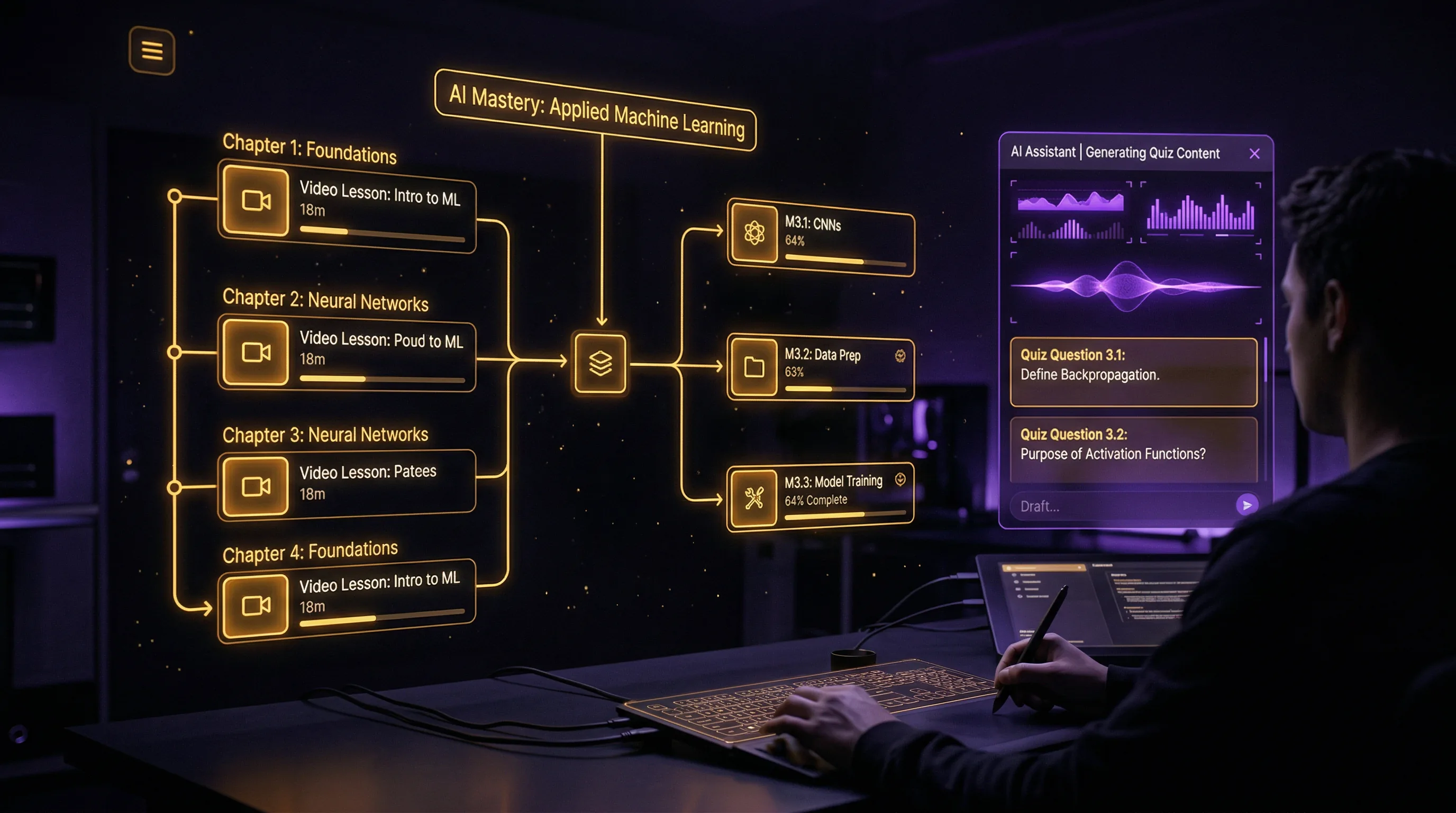
AI for Course Creators: How to Build Online Courses Faster Without Sacrificing Quality
Building an online course traditionally takes three to six months of focused work — and that's if you already know your subject inside out.

The Artifio editorial team publishes research, tutorials, and release notes covering image, video, and audio generation models. All posts are reviewed by an editor before publishing.
Building an online course traditionally takes three to six months of focused work — and that's if you already know your subject inside out. The time goes to outlining, scripting, recording, creating slides and visuals, writing quizzes and assessments, building supplementary materials, and assembling everything into a coherent learning experience. AI can cut this timeline in half while maintaining or even improving educational quality, because it handles the production-heavy work while you focus on the educational design that actually determines learning outcomes.
This guide covers the complete AI-powered course creation workflow, from curriculum design to supplementary materials, with honest guidance on where AI excels and where human expertise remains irreplaceable.
AI for Course Planning and Curriculum Design
Course Outline Generation
Every great course starts with a clear outline that maps the student's journey from "I don't know this" to "I can do this." AI accelerates the outlining phase by generating thorough course structures from your topic description and target audience.
Start with a prompt that includes: your subject, the target student (beginner, intermediate, advanced), the desired learning outcomes, and the approximate course length. AI generates a module-by-module outline with lesson topics, suggested activities, and progression logic. This first draft saves hours of staring at a blank document.
The critical step: review the AI outline against your actual expertise. AI may suggest modules that are too basic, too advanced, or in the wrong order. Rearrange, add, and remove modules based on your understanding of how students actually learn the subject. The outline is a starting point, not a finished product.
Learning Objective Alignment
Effective courses align every lesson with specific learning objectives. AI helps by mapping course content to Bloom's Taxonomy levels — from basic recall to analysis and creation. Prompt the AI to write learning objectives for each module using action verbs: "By the end of this module, students will be able to [identify/explain/apply/analyze/create] [specific skill or concept]."
These objectives serve double duty: they guide your content creation and they set student expectations. When each lesson clearly connects to a measurable outcome, students feel progress — which is the single biggest factor in course completion rates.
Student Journey Mapping
The best courses anticipate where students will struggle and provide support at those exact moments. AI generates student journey maps that predict common confusion points, prerequisite gaps, and motivation dips throughout the course.
Use this mapping to place checkpoint quizzes, review sessions, and encouragement moments strategically. Students who feel supported through difficult sections are significantly more likely to complete the course — and completed courses drive reviews, referrals, and repeat purchases. For insights on AI and education ethics, see our AI content and academic integrity guide.
AI for Lesson Content
Script and Slide Deck Generation
Lesson scripts are where AI saves the most time. Provide the lesson topic, learning objectives, key concepts, and any examples you want included. AI generates a complete lesson script that covers the material clearly and logically.
For video-based courses, scripts should be written for spoken delivery — conversational, with short sentences, clear transitions, and natural pauses. Specify this in your prompt. A script written for reading sounds monotonous when recorded as audio.
For slide decks, AI generates slide-by-slide outlines with key points and speaker notes. Keep slides visual and simple — research consistently shows that slides with fewer words and more visuals lead to better learning outcomes. AI text and image models together can produce a complete 20-slide lesson deck in 30 minutes.
Quiz and Assessment Creation
Quizzes serve two purposes: they test student understanding and they reinforce learning through retrieval practice. AI generates quiz questions at multiple difficulty levels from lesson content:
- Multiple choice: Test recognition and basic understanding
- Short answer: Test recall and explanation ability
- Scenario-based: Test application to real-world situations
- Matching and sequencing: Test relationships and process understanding
Always verify AI-generated quiz answers for accuracy. An incorrect answer key destroys student trust and undermines the learning experience. Review every question and answer before including it in your course.
Supplementary Material Production
Supplementary materials increase perceived course value and support different learning styles. AI generates: worksheets for hands-on practice, cheat sheets and reference cards for quick review, glossaries of key terms, resource lists for further learning, and action plan templates that help students apply what they've learned.
Artifio's text, image, and audio models cover every course element — from lesson scripts to visual aids to narration — in one platform. This is especially valuable for course creators who need to produce multiple content types without maintaining separate subscriptions for each.
Maintaining Educational Quality with AI
Subject Matter Expert Review
This is non-negotiable. Every piece of AI-generated educational content should be reviewed by someone with genuine expertise in the subject. AI is remarkably good at producing content that sounds authoritative — even when it's wrong. In educational content, inaccuracy isn't just a quality issue; it's an integrity issue that affects your students and your reputation.
If you're the subject matter expert, review everything yourself. If you're creating courses outside your deepest expertise, hire a reviewer. The cost of expert review is a fraction of the cost of publishing incorrect educational content.
Accuracy Verification
Verify every fact, statistic, date, and technical claim in AI-generated course content. AI text models are known to generate plausible-sounding but incorrect information — a phenomenon called hallucination. In educational content, this is particularly dangerous because students may not have the background knowledge to spot errors.
Build fact-checking into your production workflow. After AI generates lesson content, verify: all statistics and data points, all technical procedures and processes, all historical dates and events, and all references to external sources. This step takes time but protects your course's credibility. For more on managing AI accuracy, explore our guide to AI content quality degradation.
Pedagogical Best Practices
AI generates content. It doesn't inherently follow instructional design principles. You need to make sure AI content follows best practices: concepts build on each other logically, abstract ideas are illustrated with concrete examples, students practice what they learn (not just passively consume), and regular assessment checkpoints confirm understanding before advancing.
The best AI-assisted courses feel like they were created by an experienced educator — because they were. AI handled the production. The educational design came from you. According to Coursera's course creation resources, the most successful online courses combine clear structure with engaging delivery and regular assessment — all achievable with AI assistance.
AI for Course Marketing and Sales
Creating the course is only half the challenge. Marketing it is the other half — and AI helps here too. Generate complete marketing content for your course launch:
- Sales page copy: AI generates compelling sales page content from your course outline and value proposition. Focus on transformation — what will students be able to do after completing the course?
- Email launch sequences: A series of 5-7 emails building anticipation, establishing authority, and driving enrollment. Each email serves a specific purpose in the buyer's journey.
- Social media promotional content: Teasers, testimonials, behind-the-scenes peeks at course content, and countdown posts leading up to launch. A full content calendar generated in one AI session.
- Webinar scripts: Free webinars are one of the most effective course sales tools. AI generates the webinar script, slide outlines, and follow-up email sequences.
- FAQ content: Anticipate and answer every potential student question about the course before they have to ask. Reducing uncertainty reduces objections.
The marketing content alone — sales page, emails, social posts, webinar, FAQs — would take two to three weeks to produce manually. With AI, you can generate it in a single focused day, leaving more time for the actual launch execution.
Your Course Creation Timeline with AI
Here's a realistic 6-week timeline for creating a full online course with AI:
- Week 1: Course outline, learning objectives, and student journey map (AI-assisted planning)
- Week 2: Lesson scripts and slide decks for all modules (AI generation + expert review)
- Week 3: Quizzes, assessments, and supplementary materials (AI generation + accuracy verification)
- Week 4: Recording and visual production (human recording + AI visuals and audio)
- Week 5: Assembly, editing, and quality review
- Week 6: Launch preparation, marketing materials, and promotional content
Compare this to the traditional 12-24 week timeline. AI doesn't just save time — it makes course creation viable for experts who have the knowledge but not months of free time to turn it into a course.
Frequently Asked Questions
Can AI create an online course?
AI can create most of a course's content: outlines, scripts, slides, quizzes, and supplementary materials. Course strategy, pedagogy decisions, and subject matter expertise should come from you. AI handles production; you provide the educational vision.
How fast can I build a course with AI?
A course that would take 3-6 months traditionally can be built in 4-8 weeks with AI assistance. The biggest time savings come in scripting, quiz creation, and supplementary material production.
Is AI-generated course content good enough?
With expert review and editing, yes. AI generates solid first drafts that need human refinement for accuracy, nuance, and pedagogical effectiveness. The combination of AI efficiency and human expertise produces quality courses faster.
What course elements should I not use AI for?
Personal stories and experiences, advanced insights not yet in AI training data, nuanced explanations of complex concepts, and the overall educational strategy. These require your unique expertise and perspective.
How do I price courses made with AI?
Price based on the value students receive, not production costs. AI-assisted courses can be just as valuable as traditionally produced courses. The student cares about learning outcomes, not how the content was produced.
Build Your Course in Half the Time
Build your course in half the time. Artifio's multi-model platform handles scripts, quizzes, visuals, and narration — everything a course needs. Your expertise plus AI production equals a professional course in weeks instead of months.