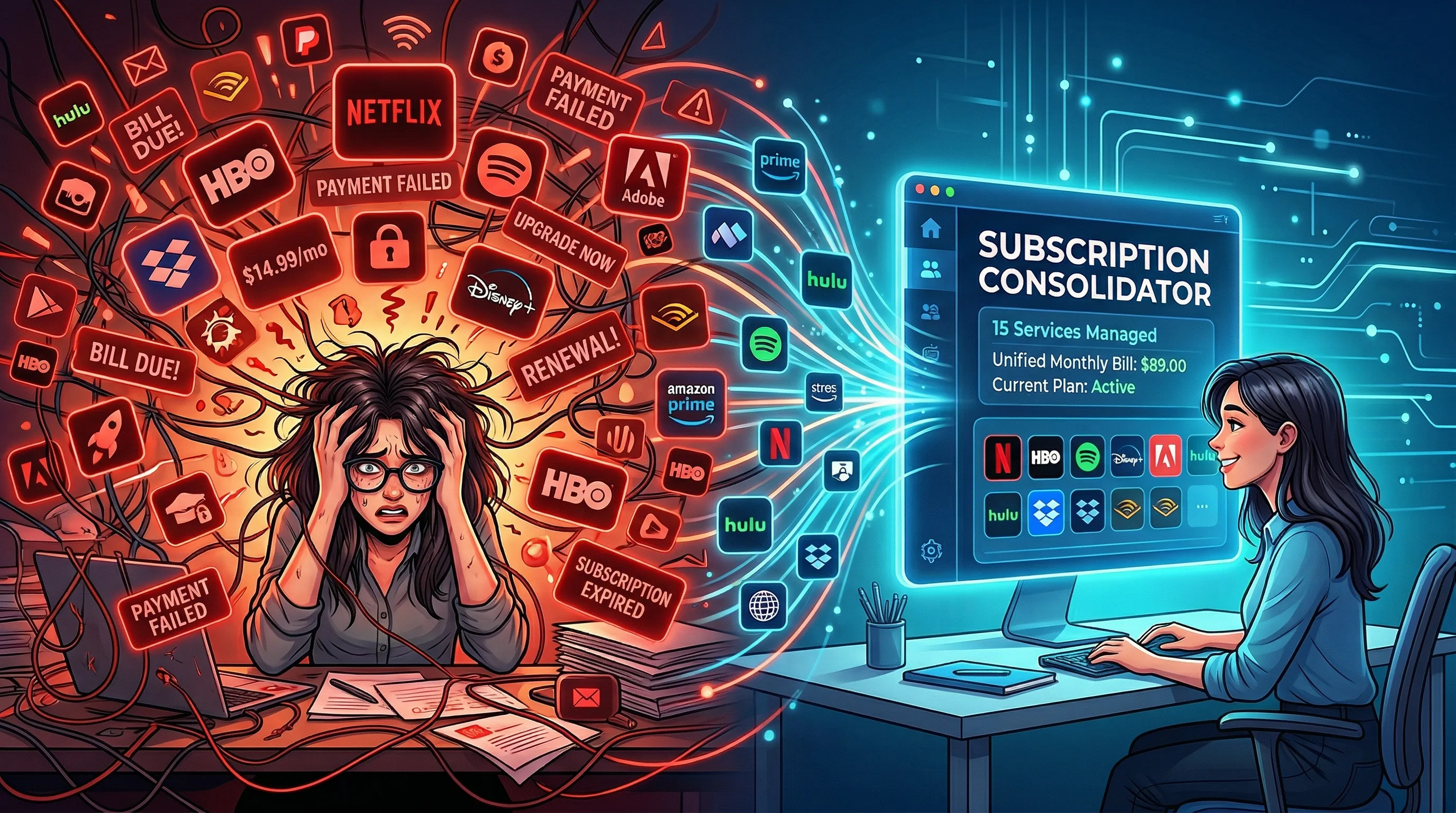
AI Subscription Fatigue: How to Consolidate Tools and Stop Wasting Money
One AI writing tool. One for images. Another for video. A voice generator. An editing assistant. Maybe a prompt optimization tool on top. Before you know it, you're spending hundreds per month on AI subscriptions — most of which overlap significantly in functionality.

The Artifio editorial team publishes research, tutorials, and release notes covering image, video, and audio generation models. All posts are reviewed by an editor before publishing.
One AI writing tool. One for images. Another for video. A voice generator. An editing assistant. Maybe a prompt optimization tool on top. Before you know it, you're spending hundreds per month on AI subscriptions — most of which overlap significantly in functionality. If your credit card statement has more AI charges than you can keep track of, you're experiencing AI subscription fatigue. Here's how to audit your stack, consolidate intelligently, and stop wasting money on redundant tools.
This isn't just a personal finance issue — it's a productivity one. Forbes has extensively covered the broader SaaS subscription fatigue trend, noting that the average professional now manages more software subscriptions than at any point in history. AI tools have dramatically accelerated this trend because each new AI capability seems to come with its own dedicated platform, its own pricing model, and its own monthly charge hitting your bank account.
The AI Subscription Sprawl Problem
Understanding how sprawl happens helps you prevent it going forward and diagnose where your current spending is going to waste.
How Multiple Subscriptions Accumulate
It starts innocently and gradually. You sign up for a text generation tool because you need blog content. Then you discover you need images for those blog posts, so you add an image platform. A client asks for a video, so you trial a video tool — and forget to cancel. Someone recommends a better writing assistant, so you subscribe while keeping the first one "just in case." Each individual subscription seems reasonable in isolation, but the cumulative cost and management overhead grow steadily without a clear moment of decision.
The pattern is amplified by free trials that convert to paid subscriptions automatically. You signed up to test a tool, got busy, forgot to cancel before the trial ended, and now you're paying monthly for something you used once. Industry data suggests the average creator has at least one "zombie subscription" — an AI tool they're paying for but haven't used in over 30 days.
The True Cost of Subscription Sprawl
Beyond the direct financial cost, subscription sprawl creates three hidden costs that compound over time. First, cognitive overhead: managing multiple interfaces, remembering which tool does what best, maintaining separate prompt libraries, and keeping track of different billing cycles and credit balances. Second, context-switching friction: moving between platforms mid-project breaks your creative flow and adds time to every task. Third, optimization fragmentation: instead of deeply learning one tool's capabilities, you spread your learning time across five, never mastering any of them and never reaching peak efficiency with any individual platform.
Feature Overlap You're Paying For Twice
Here's the uncomfortable truth: many AI platforms offer significantly overlapping capabilities. Your image tool might also generate text. Your writing tool might also create images. Your video tool probably handles text and images too. Map the actual features you use across all your tools, and you'll likely find you're paying for the same core capabilities — access to similar underlying models — through multiple platforms with different branding. The overlap is often 60-80% across tools that market themselves as completely different categories.
How to Audit Your AI Tool Stack
A systematic audit takes about 30 minutes and often reveals surprising waste that pays for the audit time many times over.
List All Active Subscriptions and Costs
Create a simple spreadsheet with every AI tool you're paying for — including the ones you've forgotten about. Check your credit card and bank statements for the last three months to catch everything. For each tool, record the monthly cost, the billing cycle date, the cancellation process (some require advance notice), and whether you're on monthly or annual billing.
Evaluate Usage vs. Cost per Tool
For each tool in your list, honestly assess how often you used it in the last 30 days. Divide the monthly cost by the number of times you used it for a rough cost-per-use metric. Any tool that costs more than a few dollars per actual use session is a candidate for cancellation or replacement. Be brutally honest — "I might use it next month" is a common justification for keeping zombie subscriptions alive indefinitely.
Identify Overlap and Redundancy
Map features across your tools. Create columns for text generation, image generation, video generation, audio generation, and any other features you actually use. Mark which tools offer which features. The visual overlap will make redundancies obvious and help you identify which single platform could replace the most individual subscriptions.
Consolidation Strategies That Work
Once your audit reveals the waste, here's how to consolidate without losing capability or disrupting your production workflow.
Multi-Model Platforms Replace Multiple Subscriptions
The most effective consolidation strategy is replacing 3-5 single-purpose subscriptions with one thorough multi-model platform. A platform offering text, image, audio, and video generation from multiple underlying model providers gives you the variety you need without the overhead of managing multiple accounts, billing relationships, and interfaces.
Artifio was built specifically to solve subscription sprawl — 100+ models for text, image, audio, video, and avatars from 20+ providers in one platform, with one unified credit system and one monthly bill. Instead of five separate platforms, five logins, and five charges on your statement, everything lives in a single dashboard.
Feature-Based vs. Model-Based Consolidation
When consolidating, think in terms of the features and workflows you actually use rather than specific model names or brands. If you primarily need "high-quality blog post drafts" and "social media images," any platform offering strong text and image models serves that need — regardless of which specific underlying models it uses. Consolidate around capabilities you use, not around marketing promises for features you don't.
The 2-3 Tool Maximum Approach
Most content creators only need 2-3 tools total for a complete workflow: one full multi-model platform for content generation across all types, one editing and optimization tool for polishing output, and possibly one specialist tool if you have a genuine niche need that no general platform covers well. Anything beyond three tools almost certainly represents redundancy, overlap, or tools you're paying for out of habit rather than active need.
Making the Switch Without Losing Work or Momentum
Consolidation done poorly can disrupt your production. Done well, it's easy and immediately beneficial.
Export before canceling. Before dropping any tool, export all important data — saved prompts, generation history, custom templates, project files, and any configurations you've built. Losing a library of optimized prompts because you canceled before exporting is a costly and frustrating mistake that's easily avoided.
Run in parallel for one month. Keep your old tools active for one full billing cycle while you set up and test the consolidated stack. This overlap period costs one extra month of the redundant subscriptions but eliminates the risk of discovering a critical gap after you've already canceled access to the tool that filled it.
Track quality and efficiency metrics. During and after the transition, actively compare your output quality, production speed, and per-piece costs between the old multi-tool workflow and the new consolidated approach. Hard numbers confirm the consolidation works and quantify the savings, which reinforces the decision and prevents backsliding into subscription sprawl again. Our pricing guide provides frameworks for this comparison, and our ROI guide helps you calculate the financial impact of consolidation.
The Financial Impact of Consolidation: A Real Example
Consider a typical content creator running five separate AI subscriptions: a text generation tool, an image generator, a video creation platform, a voice synthesis tool, and an AI-powered editing assistant. Even at modest individual prices, the combined annual cost represents a significant recurring expense that likely includes substantial overlap in capabilities between platforms.
After consolidation to one multi-model platform plus one specialized editing tool, the same creator typically sees:
- Direct cost savings of 35-55% from eliminating redundant subscriptions and their overlapping capabilities
- Time savings of 3-5 hours per week from not switching between multiple platform interfaces, managing separate logins, and maintaining different prompt libraries
- Improved output consistency because all content flows through one platform with consistent generation settings, style parameters, and quality controls
- Simplified accounting with one monthly charge replacing five separate billing relationships and expense tracking requirements
The time savings alone often justify consolidation even before you factor in the direct subscription cost reduction. Five hours per week spent on tool management and context-switching is five hours not spent on billable client work or strategic content development that drives business growth.
When to Keep a Specialist Tool
Consolidation doesn't always mean going to a single tool. Sometimes a specialist tool genuinely outperforms the consolidated platform for a specific, critical use case. Keep a specialist tool when all three of these conditions are true: the specialist tool produces meaningfully better output for a specific content type that's critical to your business, the quality difference directly impacts your revenue or client satisfaction, and the specialist tool's cost is justified by the incremental revenue or quality improvement it enables.
If a specialist tool meets all three criteria, keeping it alongside your consolidated platform is the smart play. If it only meets one or two, the convenience and cost savings of full consolidation typically outweigh the marginal quality difference for that specific use case.
Frequently Asked Questions
How many AI tools do I really need?
Most creators need 2-3 tools maximum: one multi-model platform for generation across content types, one editing or optimization tool, and possibly one specialist tool for a specific niche need. Anything beyond this almost certainly represents overlap and wasted spend.
How do I consolidate my AI subscriptions?
Audit all current tools and their costs. Identify feature overlap. Choose a multi-model platform that covers most needs. Run it alongside existing tools for one month to verify. Cancel redundant subscriptions once the new setup is confirmed working.
What's the best all-in-one AI platform?
Look for platforms offering multiple content types — text, image, audio, video — from multiple model providers. Key evaluation criteria: transparent pricing, genuine model variety, no hidden throttling, and a unified dashboard for all content types.
How much can I save by consolidating AI tools?
Typically 30-60% of total AI tool spend. If you are paying for 4-5 separate subscriptions, consolidating to one complete platform saves significant money while often improving your workflow through reduced tool-switching friction.
Should I cancel all AI tools and use just one?
One in-depth platform for generation is usually sufficient for most creators. You may want to keep a separate editing tool and possibly one specialist tool. But reducing from 5 or more tools to 2-3 is almost always a net positive for both budget and productivity.
One Platform. 100+ Models. All Content Types.
Artifio replaces your AI subscription sprawl with a single, transparent solution. One dashboard, one credit system, one bill — and access to every content type you need.